To ensure that you get the possible best experience, this website utilizes third-party profiling cookies. click here to learn about these cookies and how to change your settings. By closing this window or continuing to browse this website, you consent to the use of these cookies.

VGA HOLDER INSTALLATION GUIDE


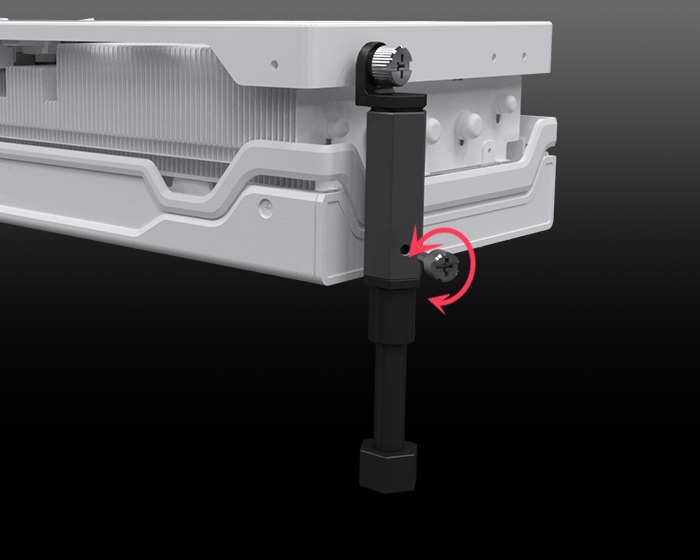
The professional Palit VGA Holder strengthens the protection to your graphics card,
minimizing the risk of card bending and slot damage.

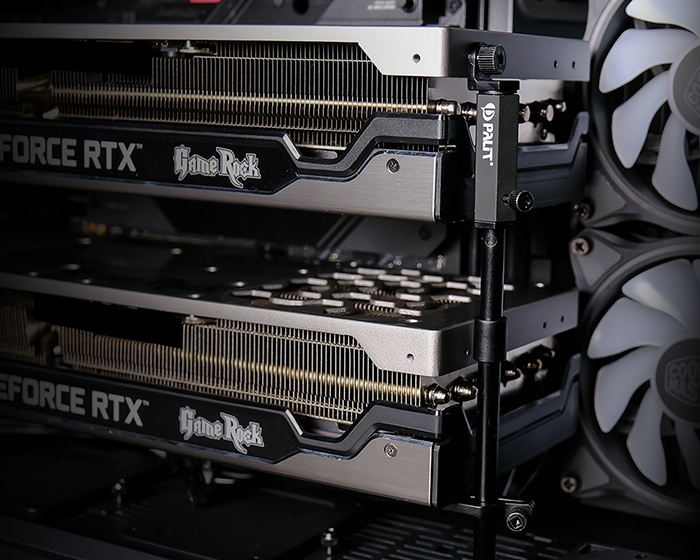
Supports up to two graphics cards
User-friendly design
  1. Thumb screws enable tool-less installation
  2. Rubber foot ensures no scratches to PC case
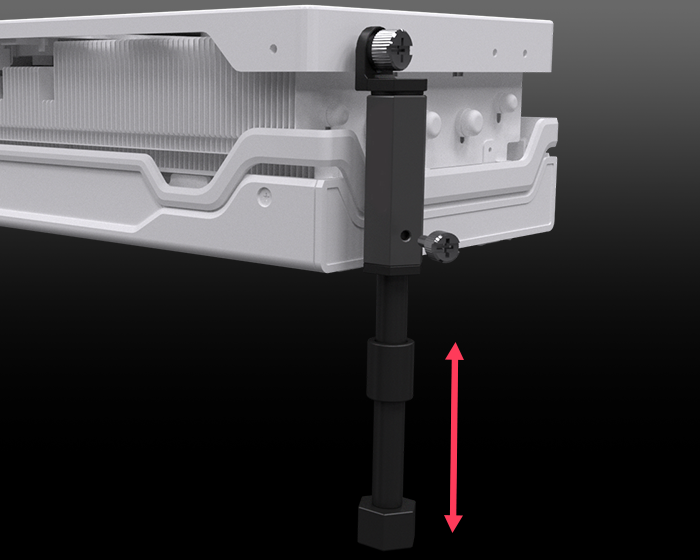
Height adjustable and easy assembly

- STEP-01 -

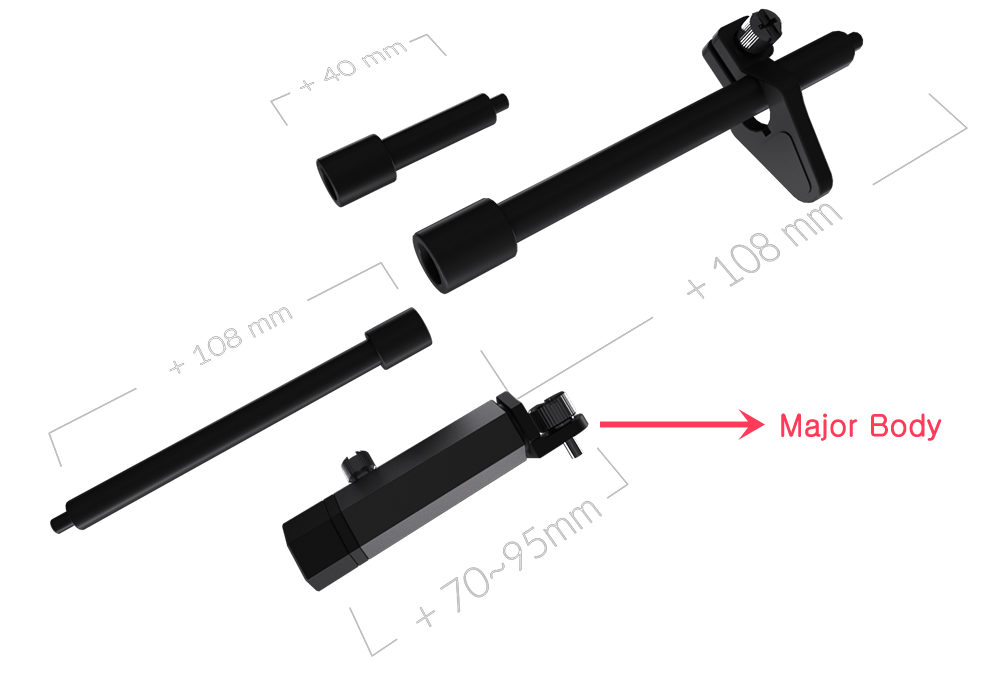
Choose the proper length of kits to assemble the VGA holder.
- STEP-02 -

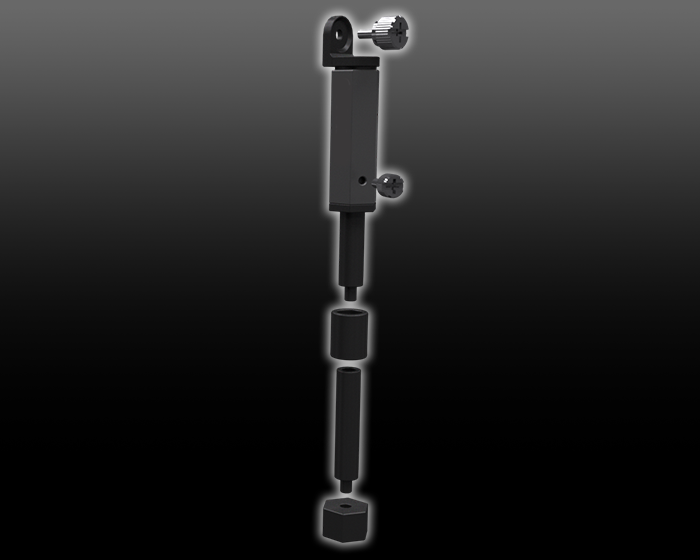
Based on the major body, connect the kits end to end for installation.
- STEP-03 -

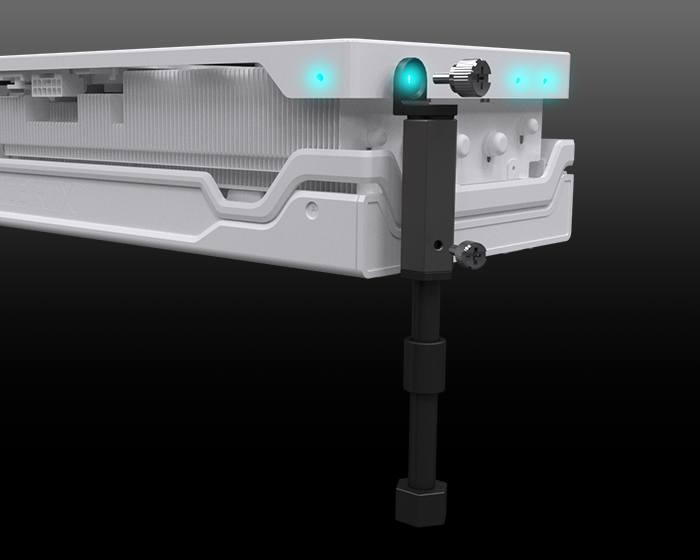
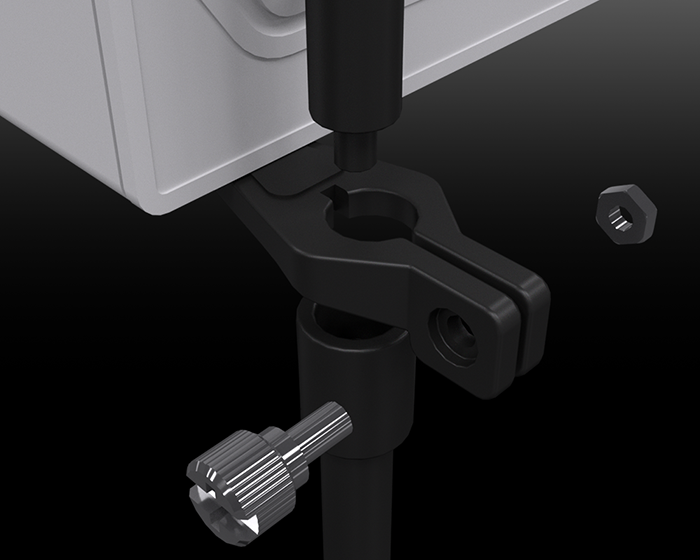
Mount the VGA holder on your graphics card with the tool-less (thumb) screw.

Notes: The screw holes are at the north or east side of the backplate. The number of screw holes varies depending on the models.
- STEP-04 -

Adjust the length of the major body through the tool-less (thumb) screw if necessary.
PS. For dual cards installation, use the supporting plate for extra reinforcement.
- Examples -

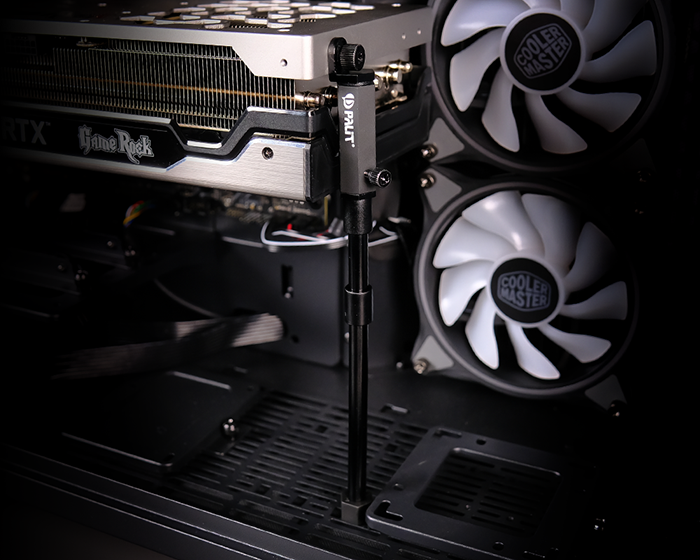
* Single card
* Dual cards


©2022 Palit Microsystems All rights reserved.